PAYMENTS, MADE CLEAR
Simple payments. Complete transparency.
Pay directly through your preferred UPI app. Please confirm the amount with us before making a transfer.
Pay via UPI
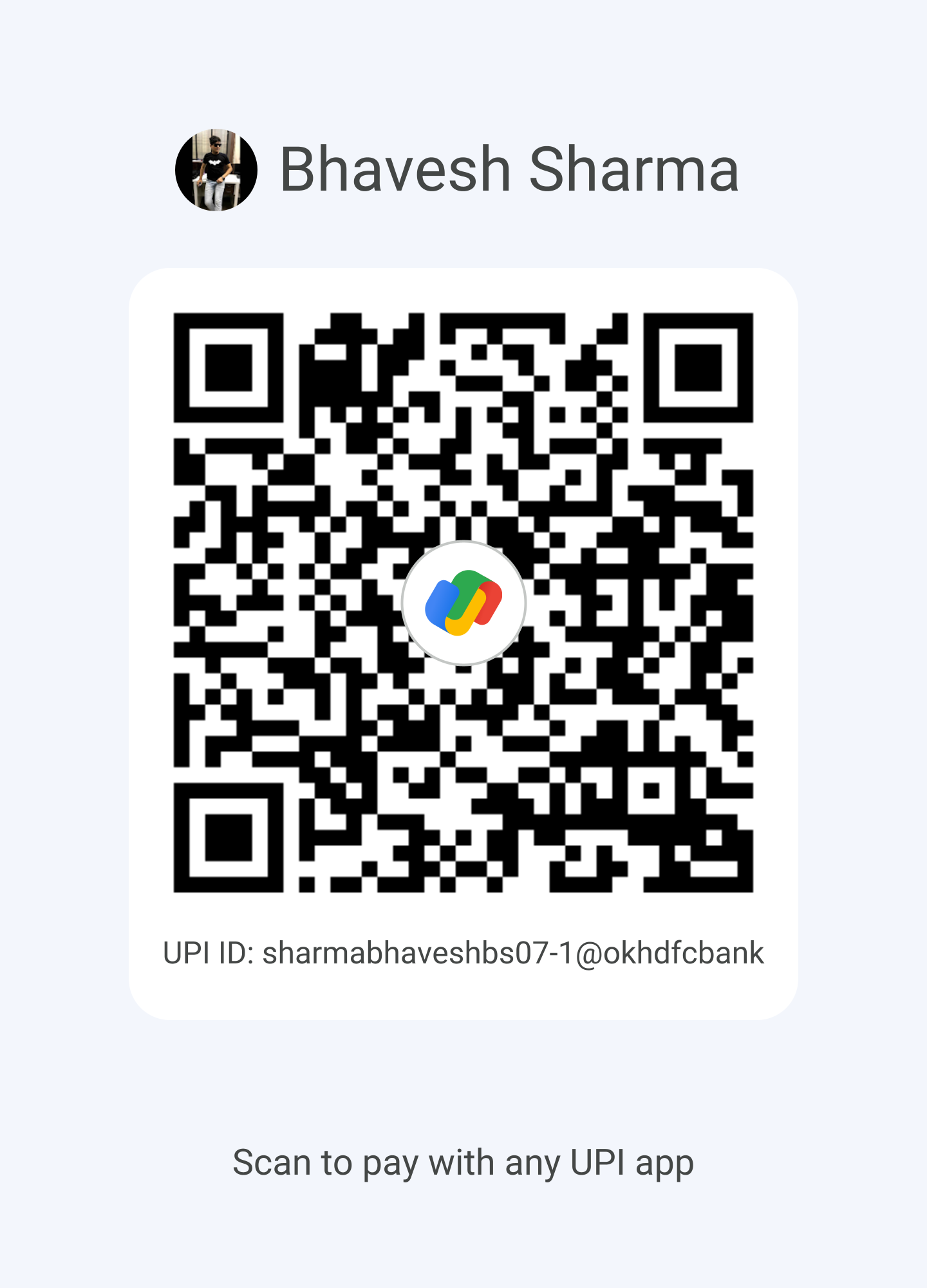
sharmabhaveshbs07-1@okhdfcbank
Recipient: Bhavesh SharmaAlways verify the recipient name and agreed amount in your UPI app before paying.
Before you make a payment
1
Confirm your invoice and amount with our team.
2
Scan our verified QR code or enter our UPI ID in your UPI app.
3
Check the recipient name and amount before approving the payment.
4
Share your transaction reference with us for manual verification.
Already made a payment?
Share your transaction details using the form below. Our team will check the transfer and confirm receipt separately. Submitting a reference does not confirm payment success.
Send details on WhatsAppMANUAL VERIFICATION
Request payment confirmation.
Provide your invoice and transaction reference. Please do not include bank passwords, UPI PINs, or OTPs.